Discover a creator by style, not just by name
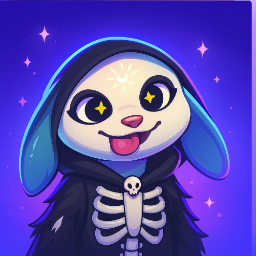
A good emote creator usually has a recognizable visual language: clean silhouettes for small chat sizes, expressive faces that read instantly, and a set of reactions that fit together on a server or stream.
Use creator profiles when you want more than one isolated emote. Browsing a creator page helps you find matching reactions, consistent line weight, similar color handling and artwork that feels intentional as a set.
Why download signals matter
Download counts are useful when you want community-tested assets. Popular creators often publish emotes that are readable at small sizes, easy to recognize in fast chats and flexible enough for Discord, Twitch, Slack and WhatsApp use.
The leaderboard is not a replacement for taste. It is a discovery shortcut: start with creators people already use, then open profiles and pick the emotes that match your own community tone.
Better attribution for artists and communities
Creator pages make attribution visible beside the emotes themselves. That helps server owners credit artists properly and gives artists a public place where their published emotes can be discovered together.
Before using a download in a public community, open the emote page and check the license. myEmotes keeps creator attribution, license information and platform-ready downloads close to the artwork.