












Discord
- Open Discord and go to Server Settings → Emoji.
- Click "Upload Emoji" and pick the file you just downloaded.
- Give it a name or keep the default. The file already stays under the 256 KB server limit.
Free custom emote
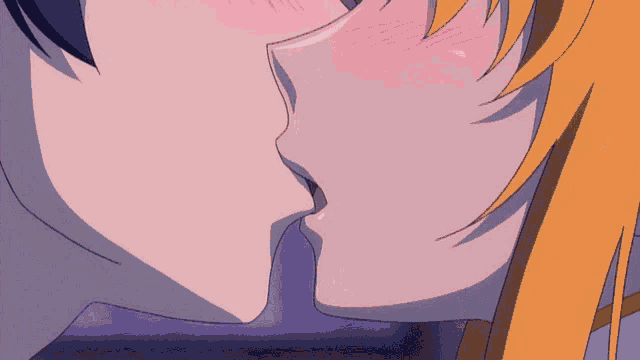
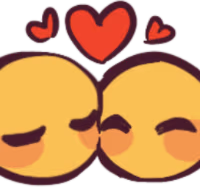
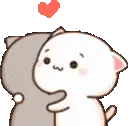
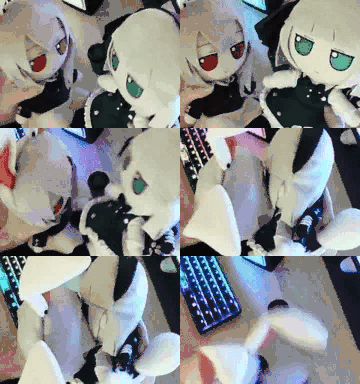
":fumoKiss:" is a free animated emote with a solid background, uploaded by ichbinemi. Tagged #fumo, #reisen, and #youmu.
For streams, videos, creator communities, and subscriber spaces. No credit required.
More from this creator
About this emote
Everything you need to know before you download and add :fumoKiss: to your stream, server or chat.
":fumoKiss:" is an animated emote uploaded to myEmotes by ichbinemi. It comes rendered at 180×128 and available as GIF and WebP, pre-sized for chat platforms so you can drop it straight into a server without resizing.
The background is solid, so the emote keeps the original framing the creator intended. It is tagged #fumo, #reisen, #youmu, #fumofumo, and #touhou, so it sits alongside similar emotes in the catalogue.
8.7k people have already added ":fumoKiss:" to their chats.
Platform setup
Step-by-step uploads for every platform your community already uses.
License & attribution
For streams, videos, creator communities, and subscriber spaces. No credit required.
FAQ
Quick answers for using and downloading this emote.
Yes. "fumoKiss" is free to download from myEmotes for personal use. The upload uses Creator & Stream Use; check the license box on this page for the exact terms set by ichbinemi.
"fumoKiss" is delivered at 180×128 and as GIF and WebP. It is an animated emote with a solid background, already sized for each platform, so you can upload it without resizing.
Pick the platform under the download button and myEmotes serves the right size for each. Then upload the file in the matching emote/emoji section of your server settings.
Yes, the download keeps the animation frames. On Discord you'll need the right server boost level for animated emotes; on Twitch, animated emotes are reserved for partners and animated sub emotes.
That depends on the license ichbinemi picked. Open the "Creator & Stream Use" box on this page (or the full license page) to see whether the upload covers commercial streams, monetised content or merchandise.
Looking for more emotes? Browse the library and turn one download into a full matching set.
myEmotes is an independent, community-curated emote library. Uploads are moderated against our Content Policy . By downloading you agree to our Terms of Service and Privacy Policy .